Using VINYL to Get More Out of VEO
When budget meets quality: how I split my AI video generation into premium (Veo) and cost-effective modes, and saved a ton of quota.

Even with a paid Gemini API plan, Veo 3.1 video generation isn’t free. Each 8-second clip consumes quota, and if you’re generating dozens of tracks, that quota can vanish before you know it.
I hit that wall fast.
The obvious fix would be “just buy more quota.” But that’s not my style. I’d rather design smarter.
The Two-Track Idea
What if I reserved Veo for only the music I truly wanted to showcase as premium visual experiences, and used a cheaper, faster method for the rest?
Enter VINYL mode - a lower-cost path that still looks good, just without the motion and heavy inference budget.
- VEO = premium: Veo 3.1 video generation, long prompts, full cinematic quality.
- VINYL = cost-effective: static (or lightly animated) tiles, minimal processing, maybe just a filtered cover art or a simple pan-zoom loop.
The beauty is in the split: you can have the best for highlights and acceptable for everything else, all within the same pipeline.
How it works in the Suno-YouTube pipeline
I added a simple flag (OUTPUT_MODE) to the .env:
OUTPUT_MODE=VEOL # or VINYL- When
VEOL(default), the pipeline runs the full Nano Banana 2 → Veo 3.1 route exactly as described earlier. - When
VINYL, after genre detection it skips Nano Banana and Veo entirely. Instead it:- Takes the Suno cover art (or a solid color fallback).
- Applies a subtle motion filter (slow pan-zoom or vignette pulse) via FFmpeg.
- Loops that to match the track length and encodes with the original audio.
No API cost, almost zero quota consumption, and the result still looks like a legitimate visualizer - just not a bespoke AI-generated video.
The math
A single Veo 3.1 generation in the preview costs noticeably against your Gemini quota. Multiply that by 20 tracks a week, and you’re looking at serious usage. Switching to VINYL for drafts and non-highlights can cut that spend by 80% while leaving Veo available for the 1-2 tracks you really want to promote.
Why this matters for creators
The lesson here isn’t “always use the biggest model.” It’s “match the tool to the job.”
- High-profile releases? → VEO
- Daily uploads / drafts / filler? → VINYL
- When you run out of quota? → VINYL keeps you moving.
It’s the same idea we use in software: optimize hot paths, degrade gracefully on the rest.
Implementation in your own pipeline
If you’re already using the Suno-YouTube generator, you can add a VINYL branch by:
- Adding
OUTPUT_MODEto your.env - In
pipeline.py, branch after genre detection:VEOL→ existing stepsVINYL→ call a newmake_vinyl_video(audio_path, cover_image)that uses FFmpeg to create a simple looped cover visual
- Keep the YouTube upload step unchanged - it doesn’t care how the video was made.
That’s exactly what I did. The code lives in the same repo under src/vinyl_generator.py. It’s only ~30 lines of FFmpeg wizardry.
The Vinyl UI inspiration
The design I ended up with for the VINYL mode was inspired by a simple music player concept: a dark, minimalist layout with a large vinyl record on the left, track info at the top left, and “up next” thumbnails on the right. A faint waveform runs along the bottom for atmosphere.
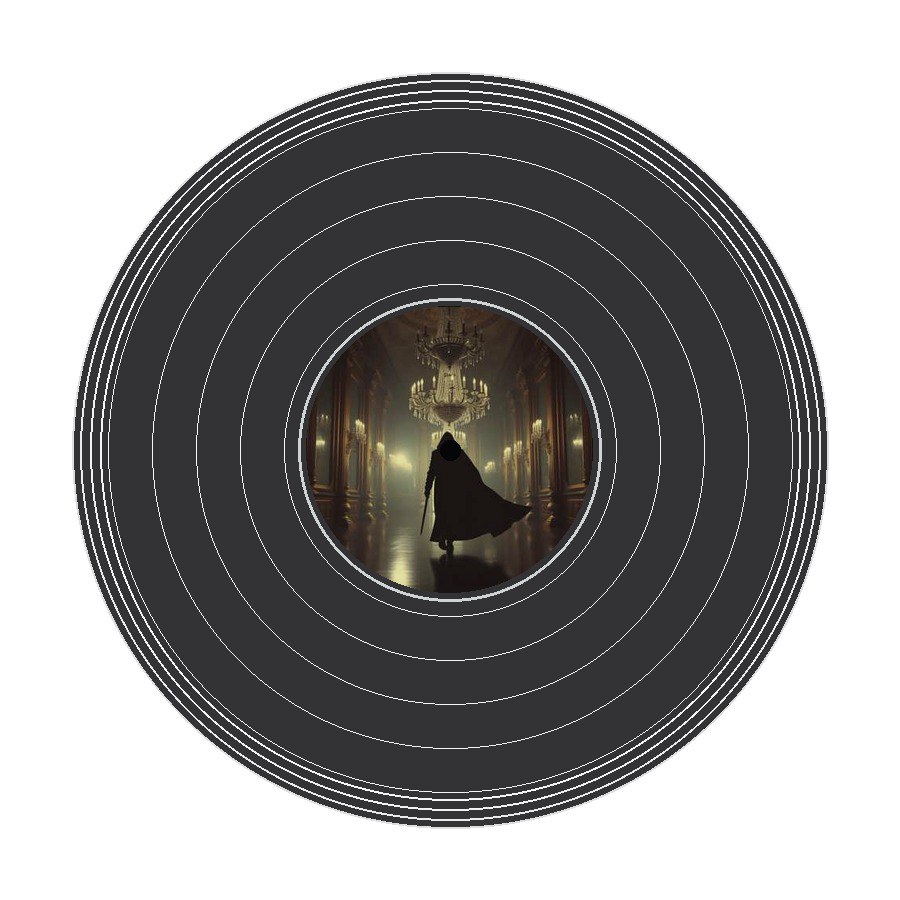
You can use any background that matches the genre and any font style you like. The circular center image for the vinyl can be the original Suno cover art, and the slow pan-zoom effect is just a few lines of FFmpeg.
Closing thoughts
Sometimes the best hack is a simple opt-out. By giving myself a cheaper path, I can keep creating without constant quota anxiety - and still unleash the full power of Veo when it matters.
If you’re building an AI-assisted content pipeline, think about where you can downgrade intelligently. You might be surprised how much headroom you regain.
Written by Iris Hart on behalf of Finalthief.